
Design spaces with AI
Explore designs before you decide
Upload a room photo, describe the interior design you want, and explore realistic room redesigns before you buy furniture, renovate, or hire.
Design spaces with AI
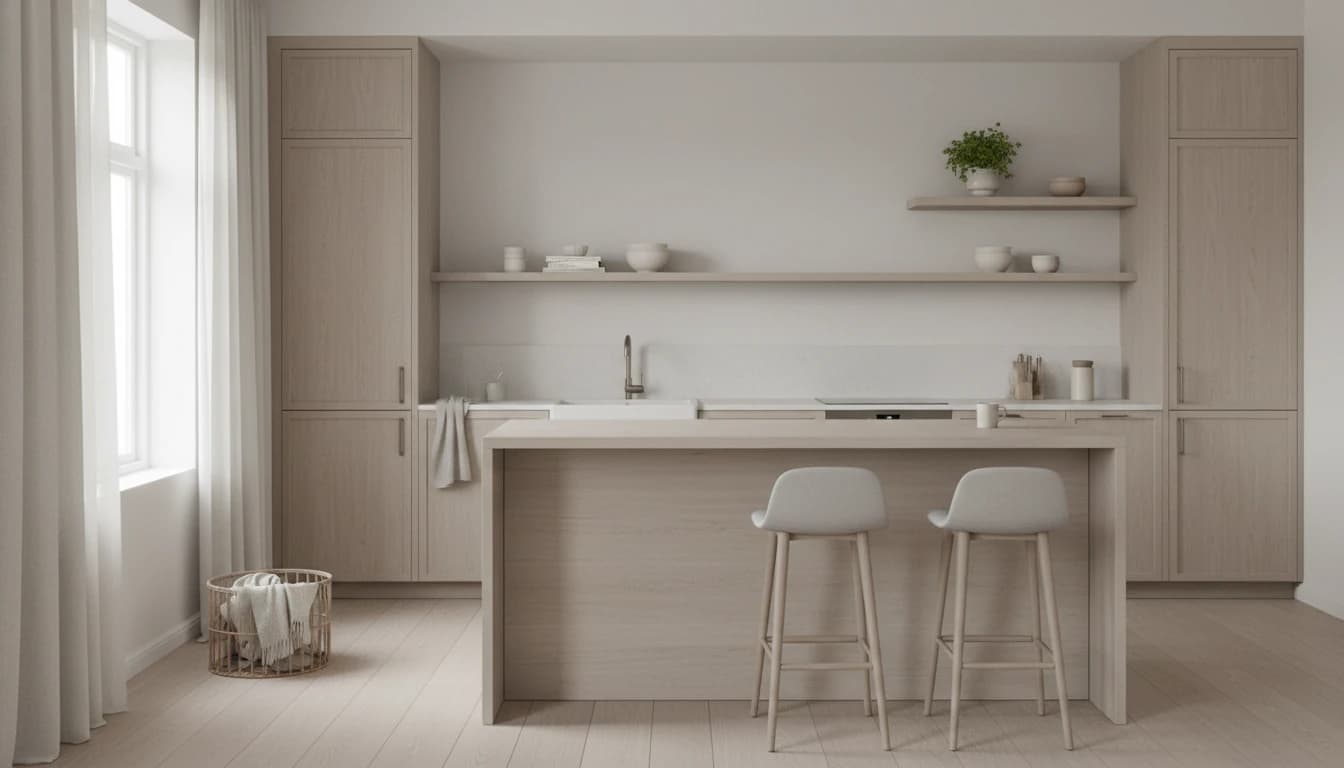
Use cases
Built for your need.
See the room before you commit.
Upload a real room photo and explore redesign directions before spending on furniture, paint, or contractors. Keep what works, change what does not, and compare options clearly.
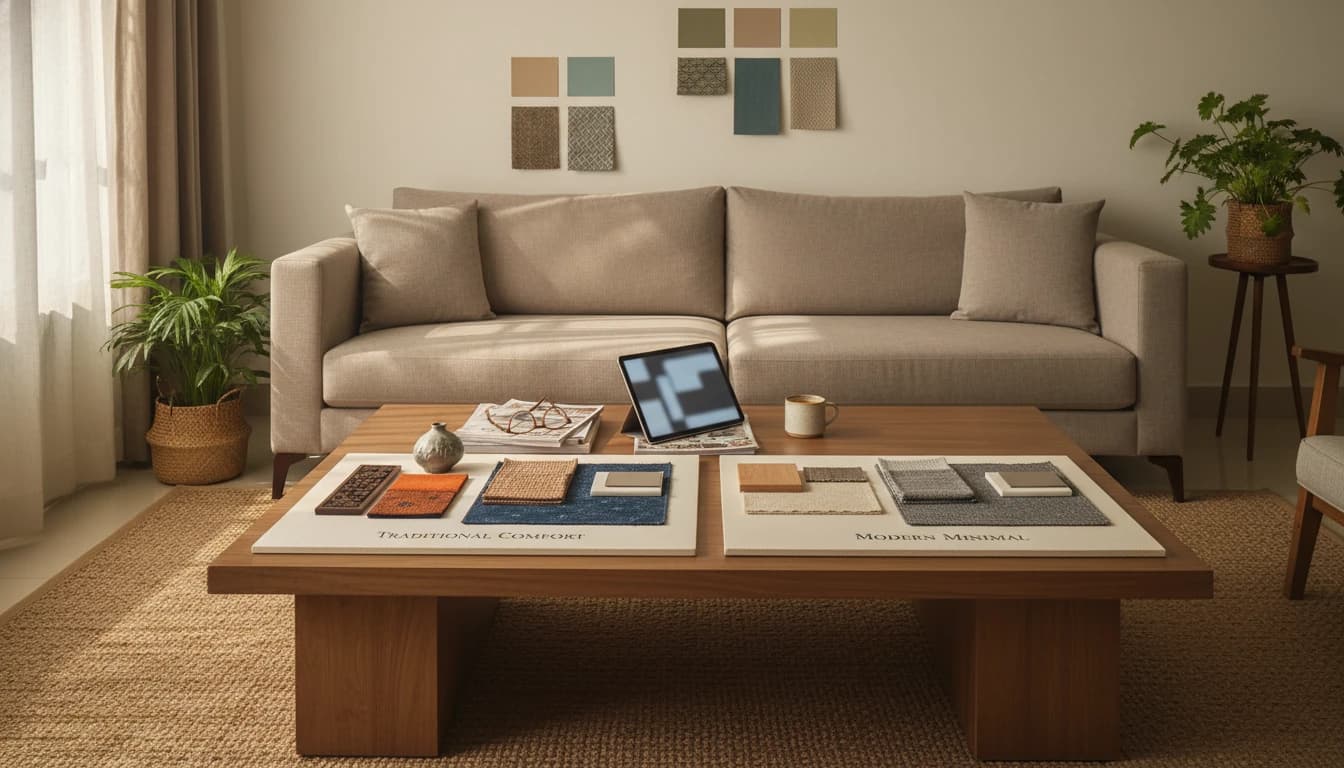
See the room before you commit.
Upload a real room photo and explore redesign directions before spending on furniture, paint, or contractors. Keep what works, change what does not, and compare options clearly.
Showing use case 1 of 5: Homeowners
How it works
A simple three-step flow.
01
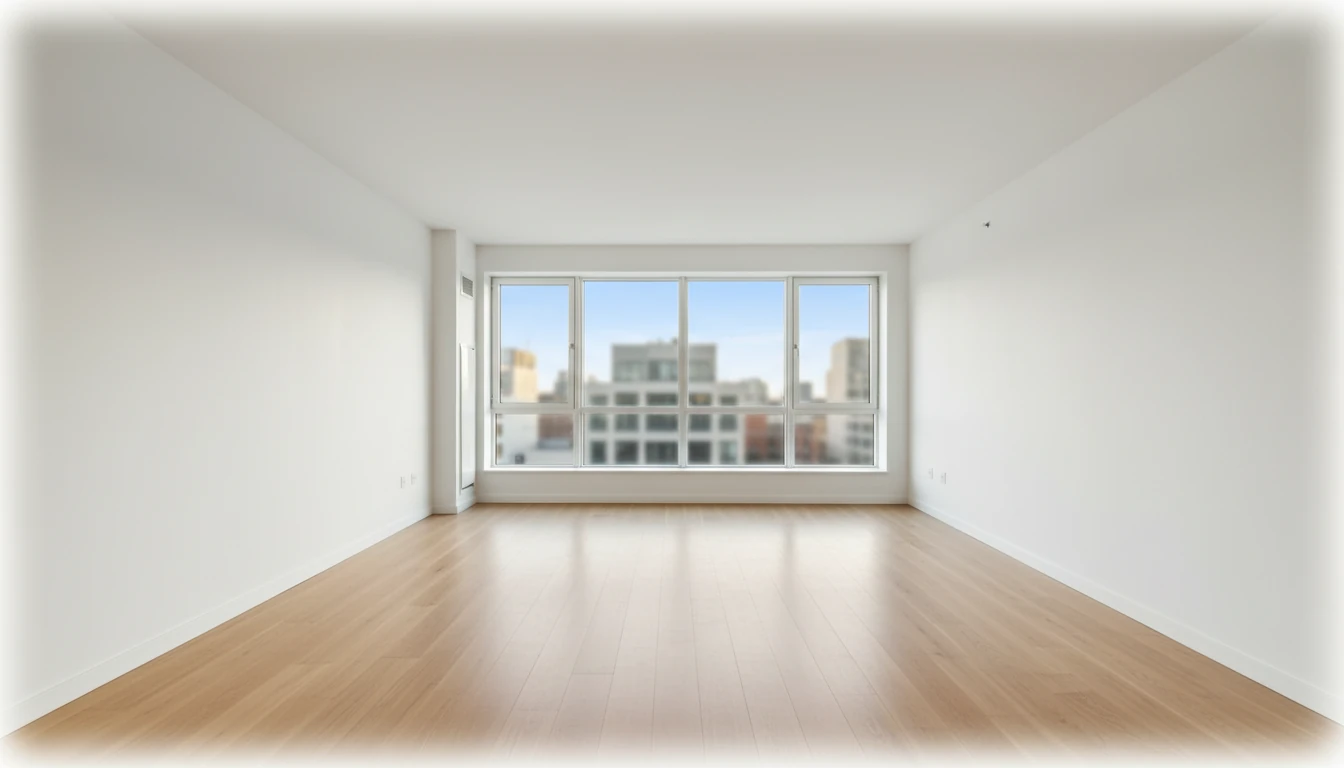
Upload a space
Start with a phone photo of your room. No floor plans, no measurements — just a picture and the AI has everything it needs.
02
Refine with AI + styles
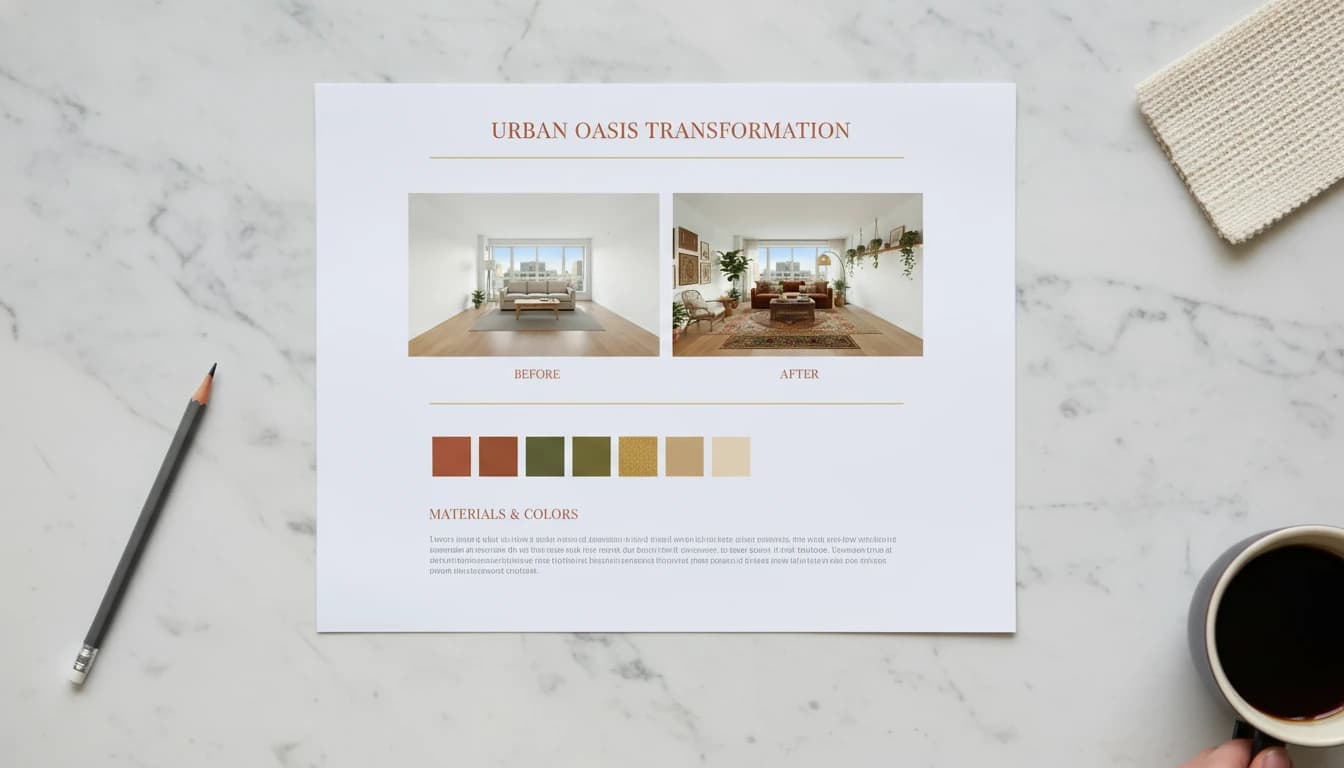
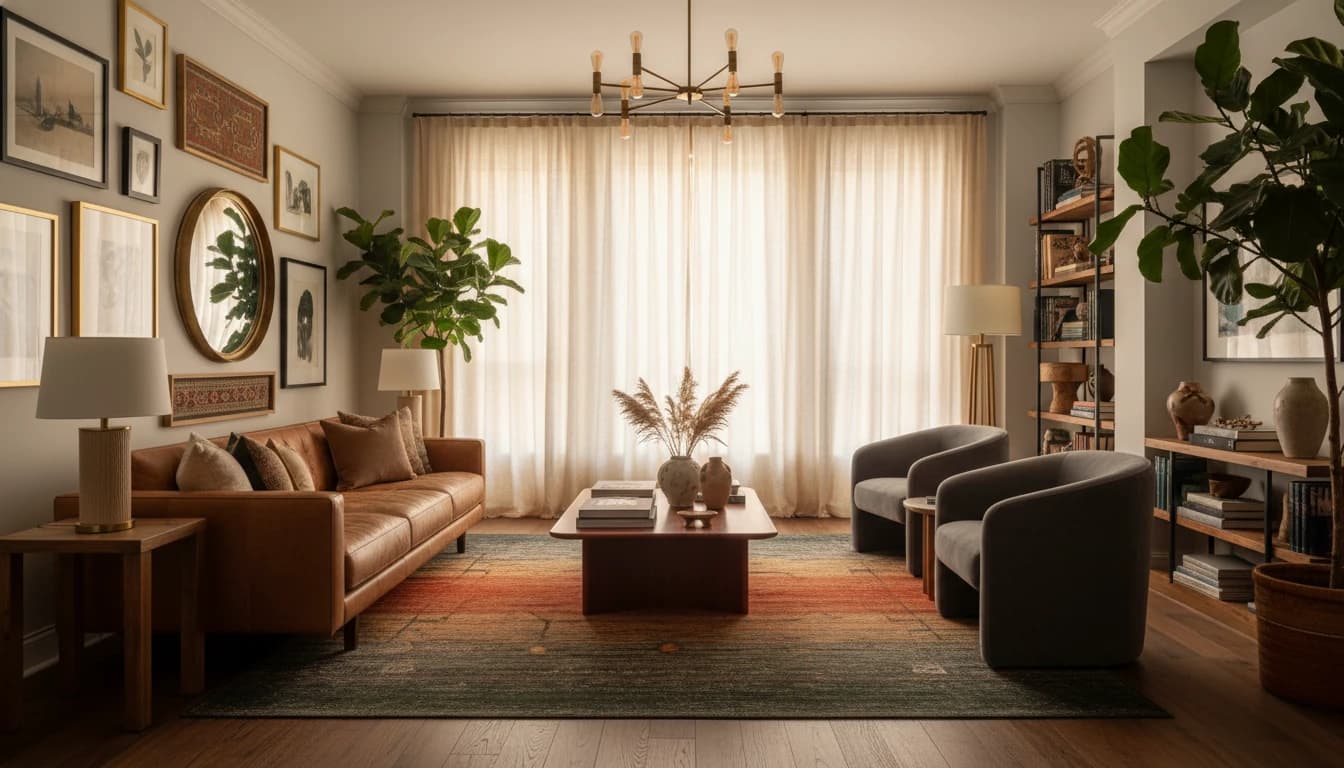
Describe what you want or pick from the style library. The AI redesigns your actual space — same walls, same windows, completely new feel.
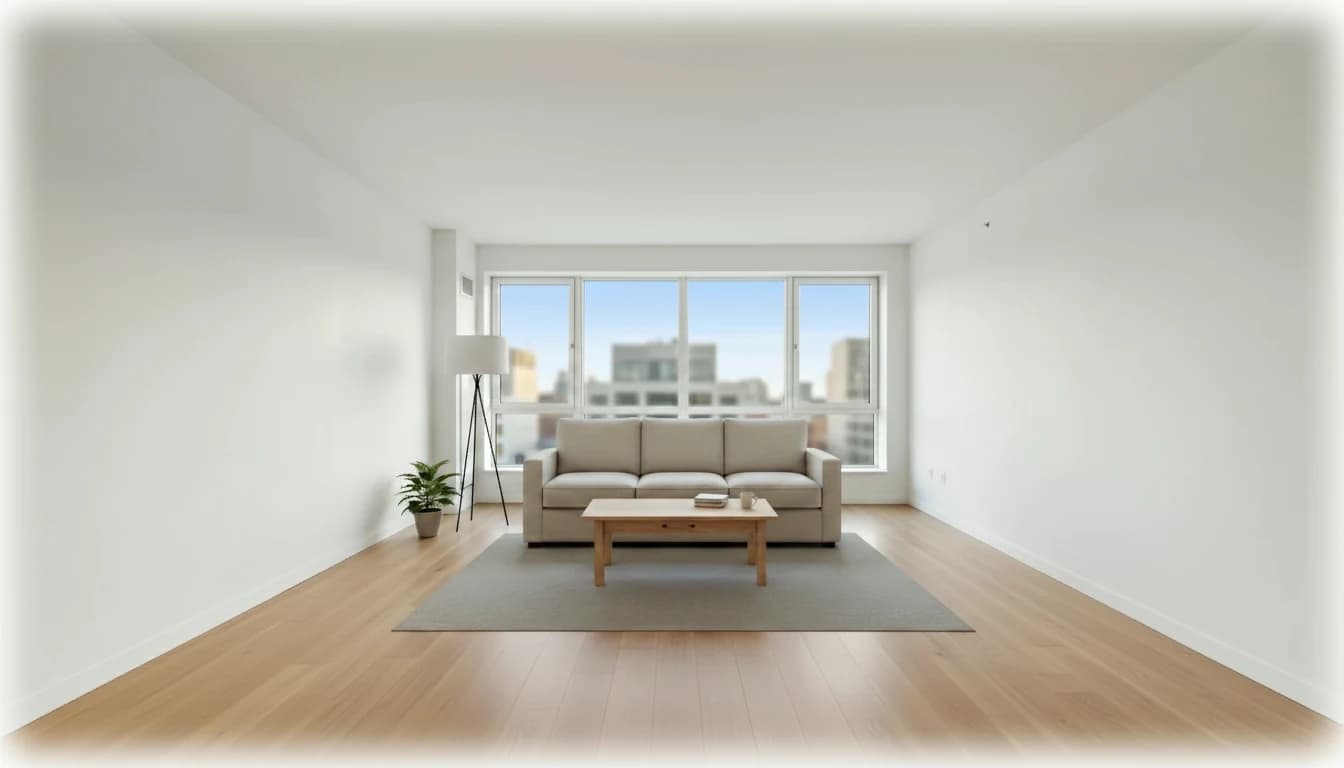
 BeforeAfter
03
Export the direction
Select the versions that feel right and export polished outputs for client review, contractor handoff, or your own reference.
Features
A complete AI studio for real spaces
Styles and moods
Choose styles and moods
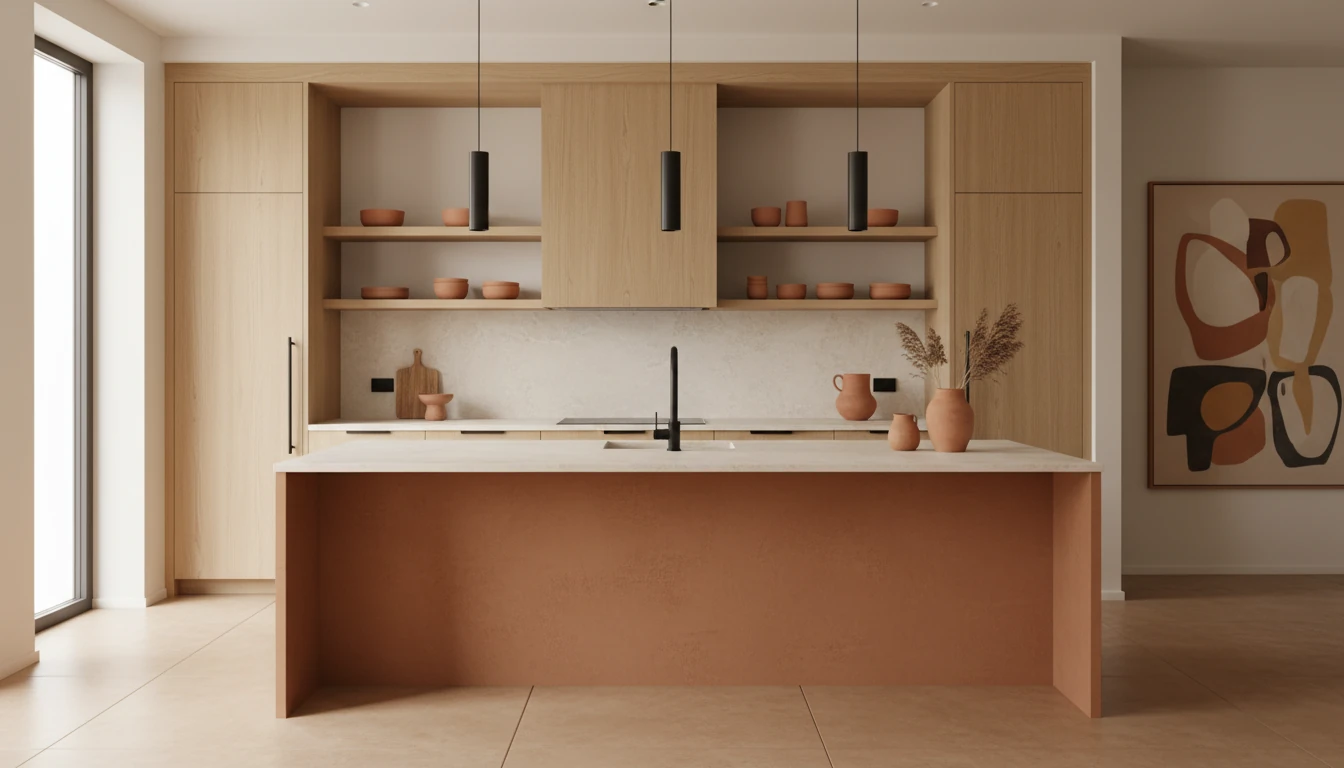
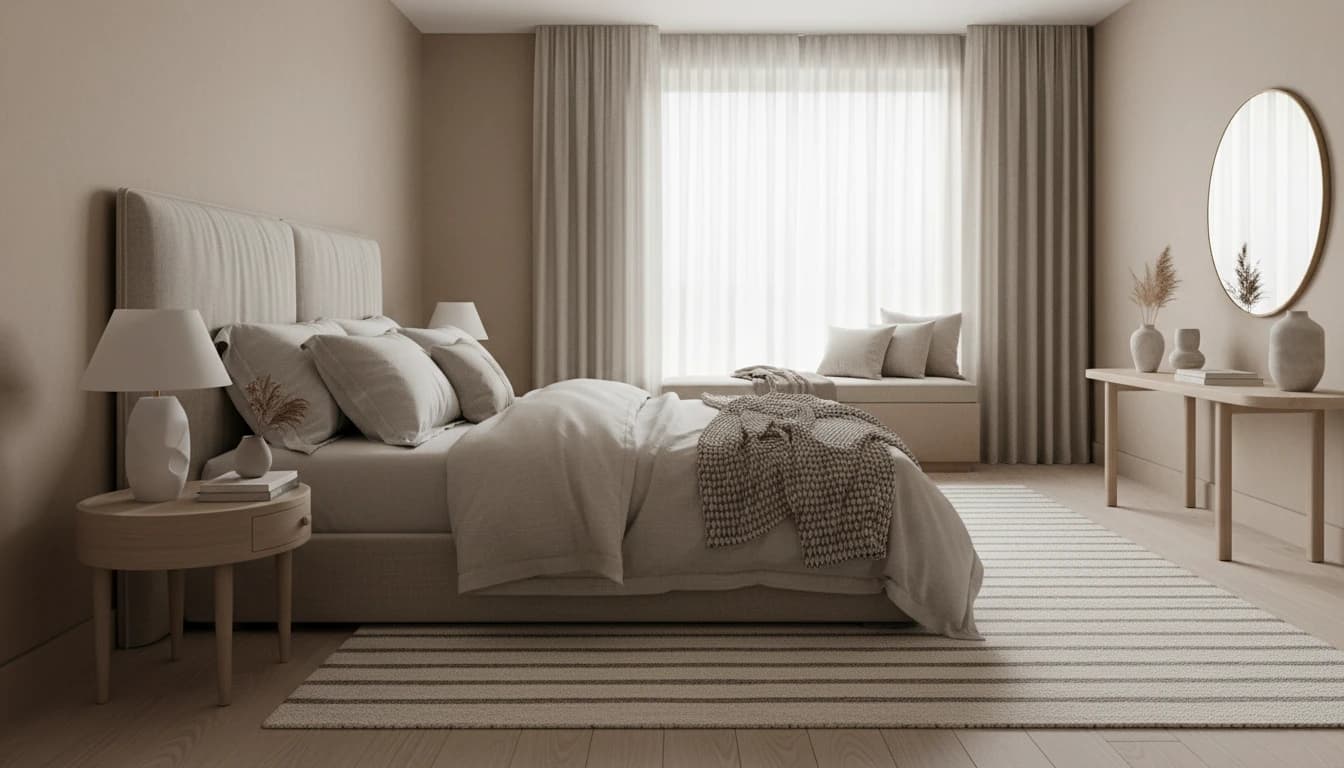
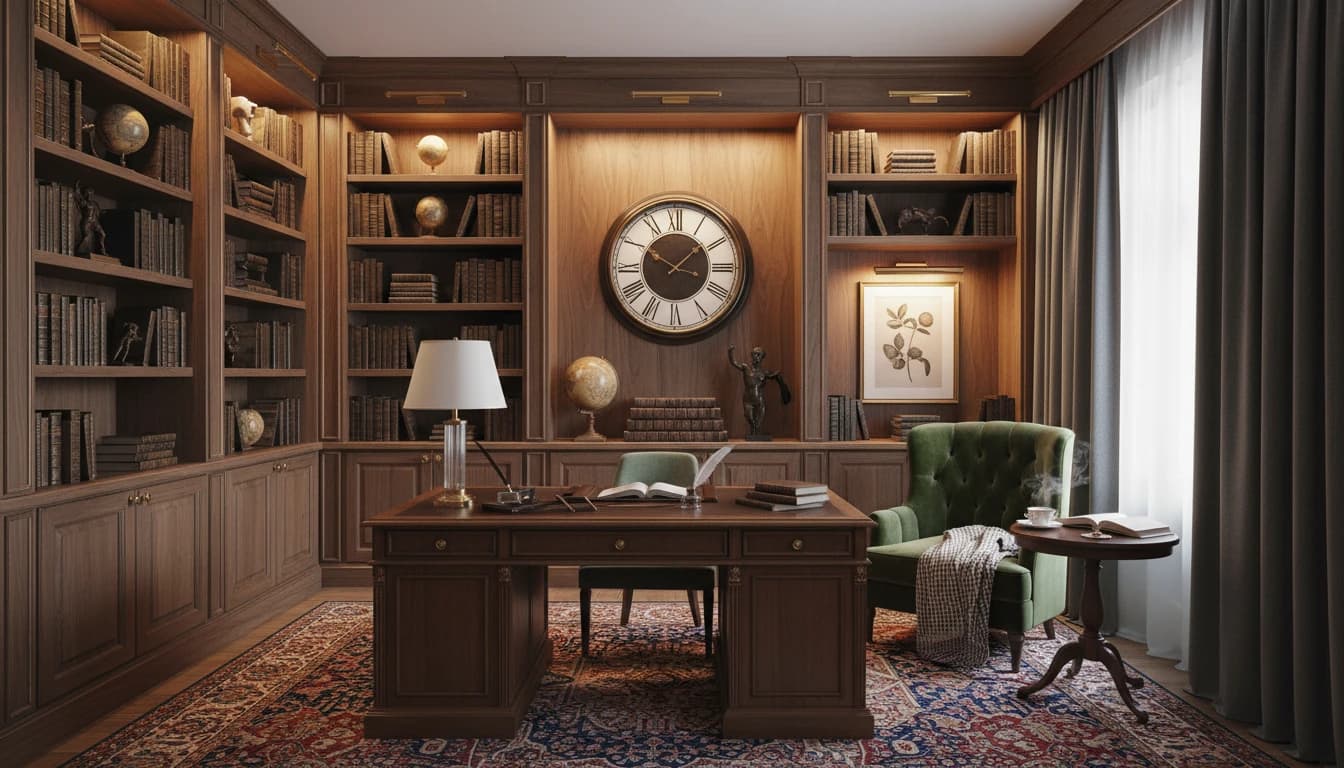
Browse ready-made interior styles and apply a design direction to the original room or the current version.
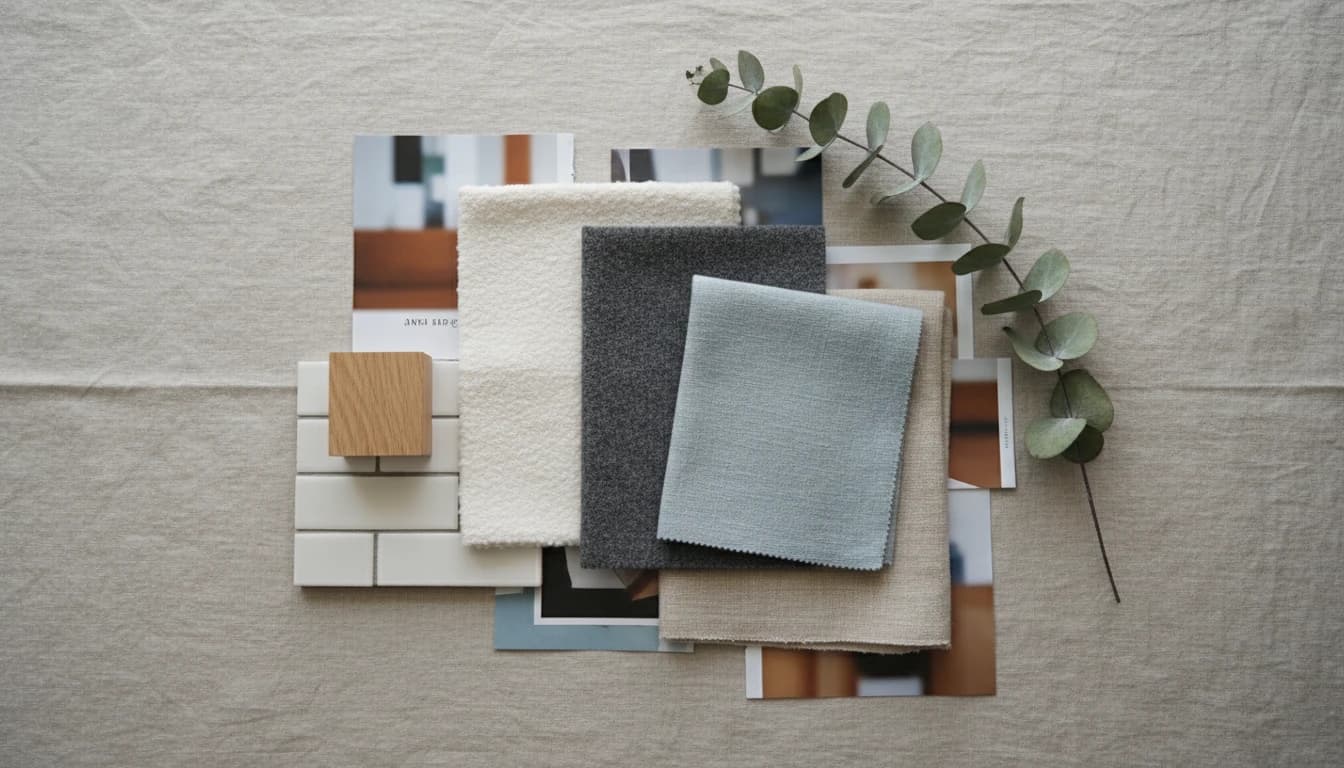
Moodboard.jpg
Ready
Reference images
Use reference images
Attach mood boards, screenshots, or inspiration photos when you want the design to follow a specific look.
Design with AI chat
Describe what you want to change, from layout direction to finishes, lighting, furniture, and mood.
Compare versions before deciding
Save milestones, restore earlier ideas, and compare design directions before committing.
Share and export project outputs
Prepare client-ready previews and export designs in SD, HD, or 4K quality based on the selected output.
Pricing
Pick a pack. Iterate freely.
Start with a small pack or choose more room to explore. Credits are used only when you generate images.
How credits work
Explore in SD or HD, then spend more credits only on directions worth exporting.
SD
2 credits
HD
3 credits
4K
4 credits
** GST added at checkout.
Frequently asked
questions.
Ready to design
something amazing?
Join designers and homeowners who are already reimagining their spaces. Start with one photo. See what's possible.